Turn WhatsApp into your storefront.
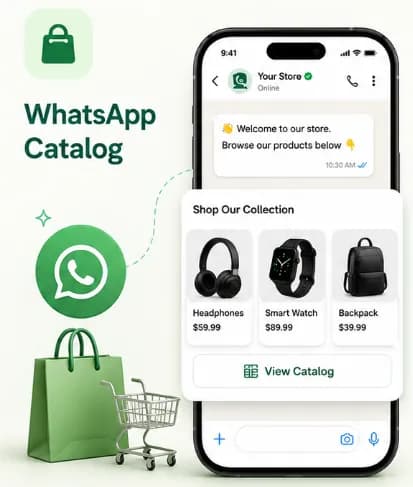
A customer types "show me your catalogue", or names a product, and the bot answers with the products themselves: a photo of each, captioned with its name and price. They reply with the one they want, and the order is taken in the conversation.
- No credit card needed
- Setup in 5 mins
- Official WhatsApp API
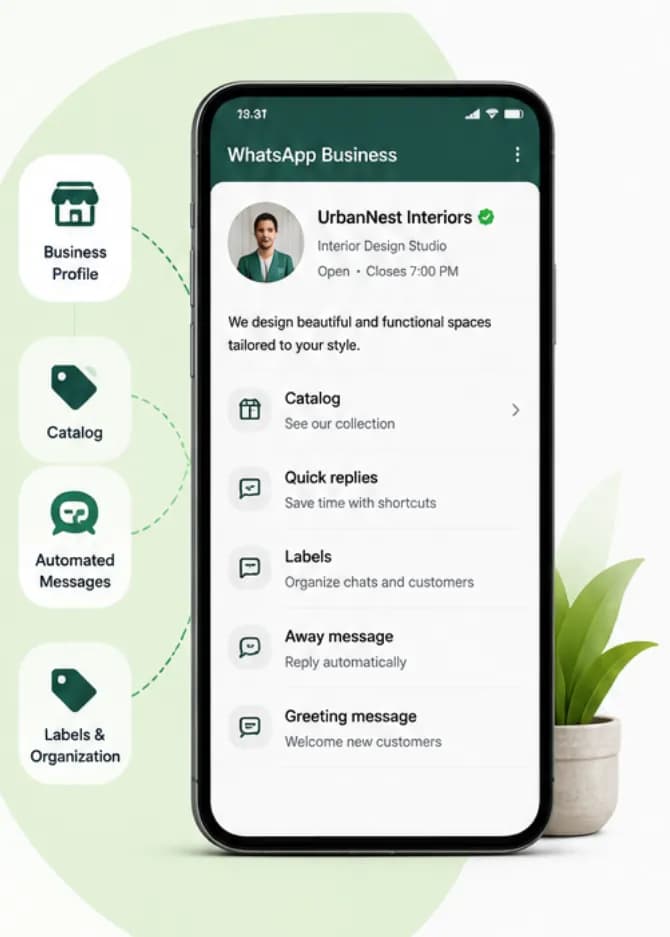
Why businesses choose Chatbox AI for
WhatsApp Catalogue
They ask, the bot shows
"Oxygen concentrator ki photo" sends concentrators, not the six cheapest things in your catalogue. A request that matches nothing sends nothing rather than guessing.
No app, no website
Customers shop in the app they already open dozens of times a day, and a photo with a price needs no page to load.
A conversation, not a form
They can ask about a product, and an agent or the bot answers in the same thread, with the order and the history on the contact.
Powerful capabilities
to scale on WhatsApp
Everything you need to automate conversations and drive conversions.
What the customer actually receives
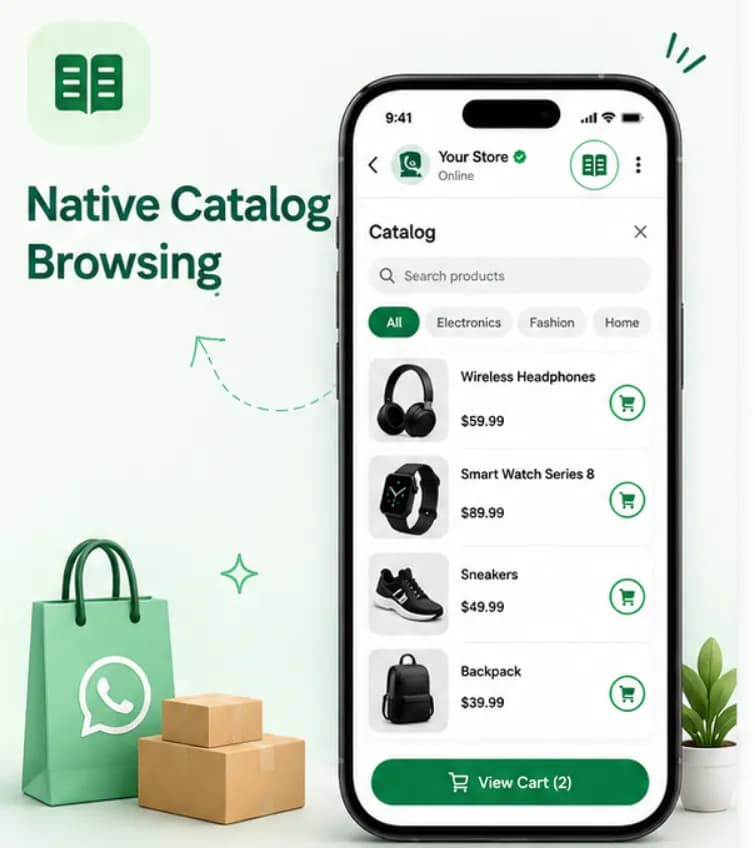
Products as photos, captioned
Each product goes out as an image message captioned with its name, its price and the first line of its description. Several go together rather than trickling in one at a time, and only products that are in stock and have an image are sent.
- One image message per product, with name and price
- Sent together, not one every few seconds
- In-stock products with a photo only
Matching, not a catalogue dump
Asked for by name
If the message names a product, only matching products are sent. If it names nothing ("photo bhejo"), the usual selection goes out. If it names something you do not stock, nothing is sent rather than something wrong.
- Search on the words the customer used
- A request matching nothing sends nothing
- The order is recorded against the contact
From taken to delivered
Order status, in the same thread
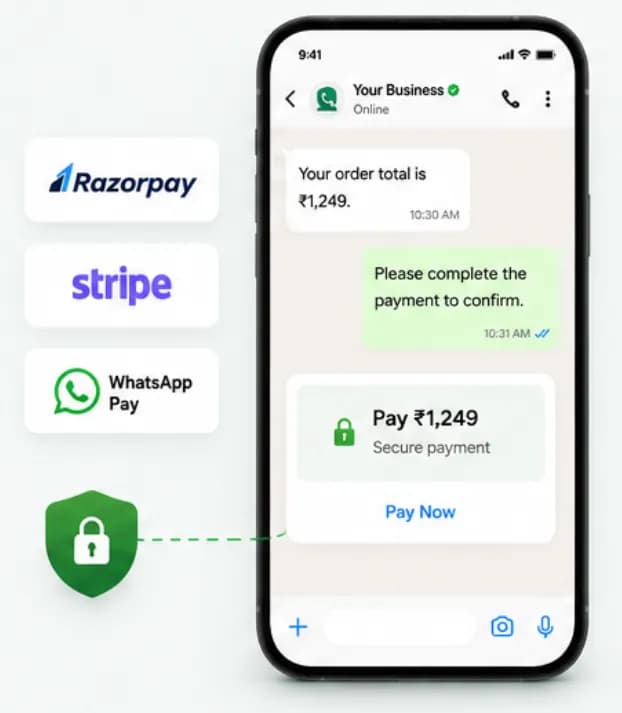
An order taken in chat gets a status you move as it progresses, and the customer is notified when it changes. If you want payment up front, send a link from your own gateway: Chatbox AI is not a payment gateway and does not collect money on your behalf.
- Order status changes notify the customer
- COD confirmation before you ship
- Your own gateway's payment link, as text or a button
Set up WhatsApp Catalogue
in minutes
- 1
Add your products
Add each product to the Chatbox AI catalogue with a photo, a price, a short description and stock.
- 2
Set the trigger
Point a keyword rule such as "catalogue" or "price" at the catalogue response, or let the AI assistant decide.
- 3
Let customers ask
The bot sends the matching products as captioned photos and asks which one they want.
- 4
Take and track the order
The order is recorded against the contact, and status changes notify the customer.
How teams use
WhatsApp Catalogue
D2C brands
Sell apparel, beauty, electronics and home products directly to customers on WhatsApp.
Restaurants and cloud kitchens
Share the menu and take delivery or pickup orders in chat.
B2B wholesalers
Send your range as photos with trade prices and take repeat orders in the thread.
Gifting and festive stores
Run seasonal collections and take pre-orders before Diwali and Rakhi.
Pharmacies
Let customers browse products and reorder essentials on WhatsApp.
Local retail
Give neighbourhood stores a digital storefront without building a website.
Questions about
WhatsApp Catalogue
Got questions about WhatsApp Catalogue? We've got answers.
No, and that matters. Your products live in the Chatbox AI catalogue and are sent to customers as ordinary image messages with captions. Chatbox AI does not send WhatsApp's native single-product or multi-product messages, and there is no catalogue tab on your number for customers to browse. The photos work well; the native mechanics are not implemented.
Is this WhatsApp's native catalogue? No, and that matters. Your products live in the Chatbox AI catalogue and are sent to customers as ordinary image messages with captions. Chatbox AI does not send WhatsApp's native single-product or multi-product messages, and there is no catalogue tab on your number for customers to browse. The photos work well; the native mechanics are not implemented.
Can I push my products to a Meta catalogue? Yes, separately from the chat behaviour: Chatbox AI can sync your products into a Meta catalogue connected to your WhatsApp Business account, which needs the catalogue-management permission and a website on the account. That sync is for Meta Commerce and Meta Ads; it is not what the bot sends in a conversation.
Can customers pay inside WhatsApp? Not through Chatbox AI. There is no merchant payment integration: Chatbox AI cannot take a card or a UPI payment into your account. You can send a payment link from your own gateway in the chat, as text or a URL button, and most sellers using this take cash on delivery with a WhatsApp confirmation before dispatch.
Which plan includes the catalogue? The catalogue and in-chat orders are included on every plan, from Starter (₹1,500/month) to the custom Scale plan. Try every feature free for 7 days.
Can I send products in a WhatsApp broadcast? You can broadcast an approved template with an image header and a URL button, which is how most product promotion on WhatsApp works. Catalogue and product buttons in templates are not supported, and the captioned-photo behaviour is a reply to an incoming message rather than something a broadcast sends.
Keep exploring

Your next 10,000 customers are already on WhatsApp.
Broadcast, automate, sell and support on the official WhatsApp Cloud API. Go live in under 2 minutes.
- 7-day free trial
- No credit card
- Cancel anytime