Answers for every step of your WhatsApp journey
Find FAQs, step-by-step how-tos and quick fixes for Chatbox AI: connecting your WhatsApp Business number, launching your first broadcast, managing your team and solving template or delivery issues.
- No credit card needed
- Setup in 5 mins
- Official WhatsApp API

Why businesses choose Chatbox AI for
Help Center
Get live in minutes
Guided onboarding walks you from signup to a connected WhatsApp number and your first approved template without developer help.
Plain-language guides
Every article explains what to click, what Meta requires and why, no API jargon unless you want it.
Humans when you need them
Stuck? Email and chat support on every plan, priority support on Pro and SLA-backed support on Scale.
Powerful capabilities
to scale on WhatsApp
Everything you need to automate conversations and drive conversions.
From signup to your first campaign.
Getting started
Set up your Chatbox AI account, connect and verify your WhatsApp Business number through Meta's embedded signup, import contacts and launch your first broadcast. Each guide follows the exact order the dashboard asks for things, so you never get stuck halfway.
- Connect your WhatsApp Business number in under 2 minutes
- Submit your first message template for Meta approval
- Import contacts from CSV and tag them for segments
- Send a test broadcast before going live
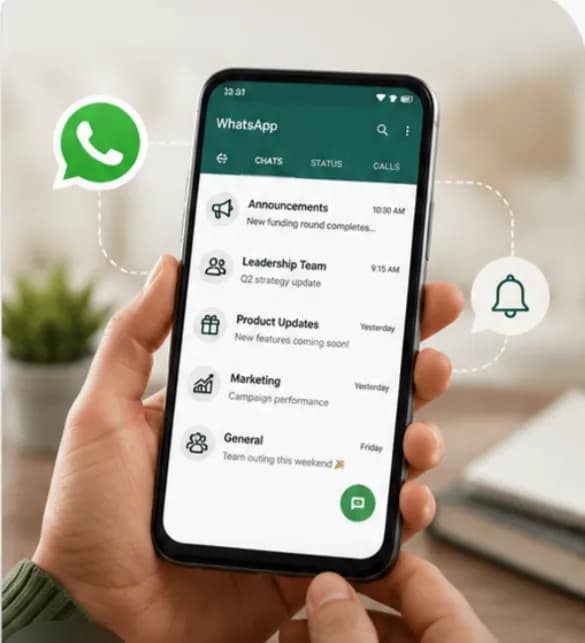
Billing, seats and permissions.
Account settings
Learn how to manage your subscription and payment records, add team members as separate users, and configure role-based permissions so agents only see what they should. Also covers connecting additional numbers and reading your plan limits.
- Upgrade, downgrade or cancel from billing settings
- Invite agents and assign roles
- Understand Meta conversation charges vs. your plan
- Export your payment history as a CSV
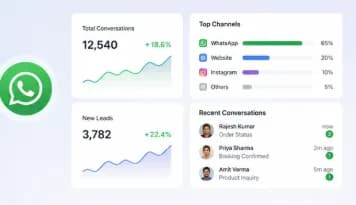
Quick fixes for common issues.
Troubleshooting
Solutions for the problems businesses hit most often: template rejections, messages stuck in 'sent', quality-rating drops, messaging-limit tiers and webhook errors. Each fix explains the underlying Meta rule so it doesn't happen again.
- Why Meta rejects templates: and how to rewrite them
- Reading delivery and read receipts and failure reasons
- Protecting your number's quality rating
- Common API and webhook error codes

Set up Help Center
in minutes
- 1
Create your account
Sign up for the 7-day free trial at Chatbox AI, no credit card required.
- 2
Connect WhatsApp
Link your WhatsApp Business number through Meta's embedded signup; it takes under 2 minutes.
- 3
Get a template approved
Create a message template in the dashboard and submit it to Meta for review.
- 4
Send your first broadcast
Import or tag your opted-in contacts, pick the approved template and send or schedule the campaign.
How teams use
Help Center
First-week onboarding
Follow the getting-started path to go from trial to live campaigns in your first week.
Training new agents
Share inbox and quick-reply guides with new support hires so they're productive on day one.
Staying compliant
Use the opt-in and template guides to keep your number's quality rating healthy.
Developer hand-off
Point your engineers to the API and webhook docs when you're ready for custom integrations.
Questions about
Help Center
Got questions about Help Center? We've got answers.
Email the support team from your registered account address, or use in-dashboard chat on plans that include it. Starter and Growth include email and chat support, Pro adds priority support, and the Scale plan includes SLA-backed support with a dedicated account manager.
How do I contact Chatbox AI support? Email the support team from your registered account address, or use in-dashboard chat on plans that include it. Starter and Growth include email and chat support, Pro adds priority support, and the Scale plan includes SLA-backed support with a dedicated account manager.
Why was my WhatsApp message template rejected? Meta reviews every template and commonly rejects ones with the wrong category (for example a promotion filed as Utility), vague or misleading wording, missing sample values for variables, or content that breaks the WhatsApp Commerce Policy. Edit the template in Chatbox AI, fix the flagged issue and resubmit it.
How long does it take to connect my WhatsApp Business number? Connecting your number through Meta's embedded signup takes under 2 minutes in Chatbox AI. Business verification with Meta, if required for higher messaging limits, can take longer and depends on Meta's review of your documents.
Can I use my existing WhatsApp number? Yes, as long as you control the number. A number that is currently registered on the WhatsApp or WhatsApp Business app must be removed from the app before it can be connected to the WhatsApp Business API.
What are WhatsApp messaging limits? Meta assigns each number a messaging tier that caps how many unique customers you can start conversations with in 24 hours: 1K, 10K, 100K or unlimited. Tiers increase automatically as you send good-quality messages to more people.
Is there a charge for support? No. Support is included with every Chatbox AI plan, including during the 7-day free trial. Response times and channels vary by plan.
Keep exploring
Your next 10,000 customers are already on WhatsApp.
Broadcast, automate, sell and support on the official WhatsApp Cloud API. Go live in under 2 minutes.
- 7-day free trial
- No credit card
- Cancel anytime