WhatsApp for Shopify stores
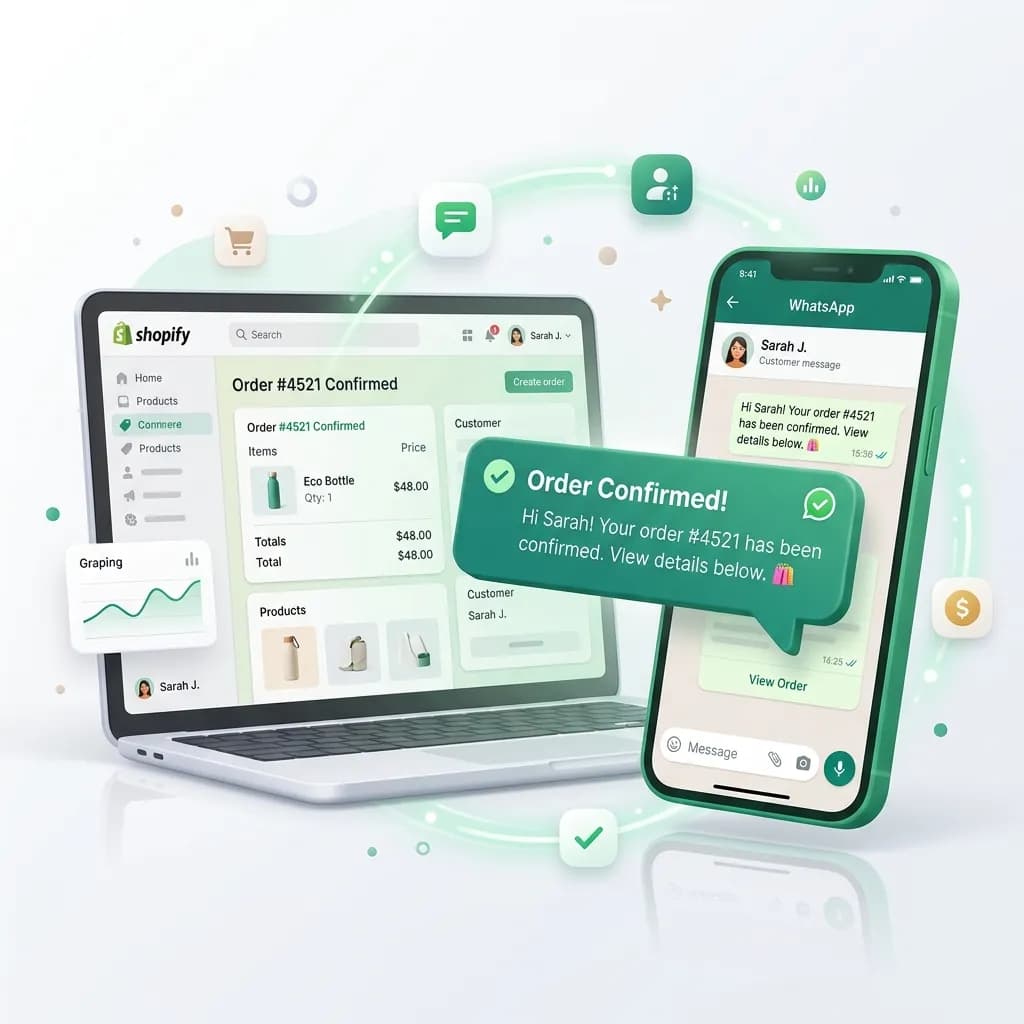
Automate abandoned cart recovery, order confirmations and shipping updates directly on WhatsApp. Confirm cash-on-delivery orders before they ship and keep every customer updated from checkout to doorstep.
- No credit card needed
- Setup in 5 mins
- Official WhatsApp API
Why businesses choose Chatbox AI for
Shopify Integration
Win back abandoned carts
Reach shoppers in the thread they already use, with a direct link back to their cart.
Check COD orders before you ship
Ask customers to confirm a cash-on-delivery order on WhatsApp before dispatch, so fake, duplicate and impulse orders get filtered early.
Fewer 'where is my order' chats
Automatic placed, shipped and delivered updates keep customers informed and your support inbox quieter.
Powerful capabilities
to scale on WhatsApp
Everything you need to automate conversations and drive conversions.
Recover lost revenue
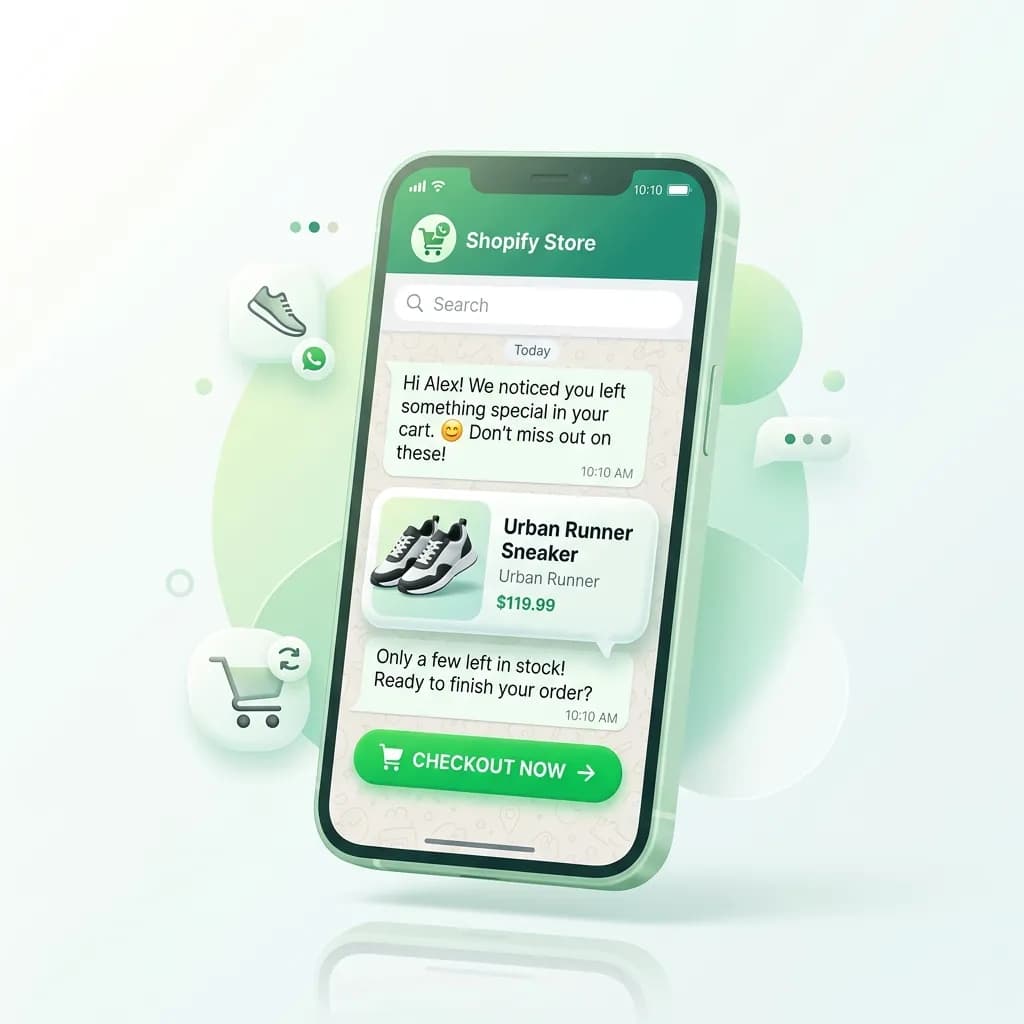
Abandoned cart recovery
Automatically send WhatsApp messages to customers who left items in their cart, complete with a direct checkout link. Schedule a sequence, a gentle reminder first, then an offer, and stop it the moment the order is placed.
- Checkout link in the message
- Multi-step reminder sequences that cancel on the order
- Only carts where you already hold a phone number
Proactive order updates
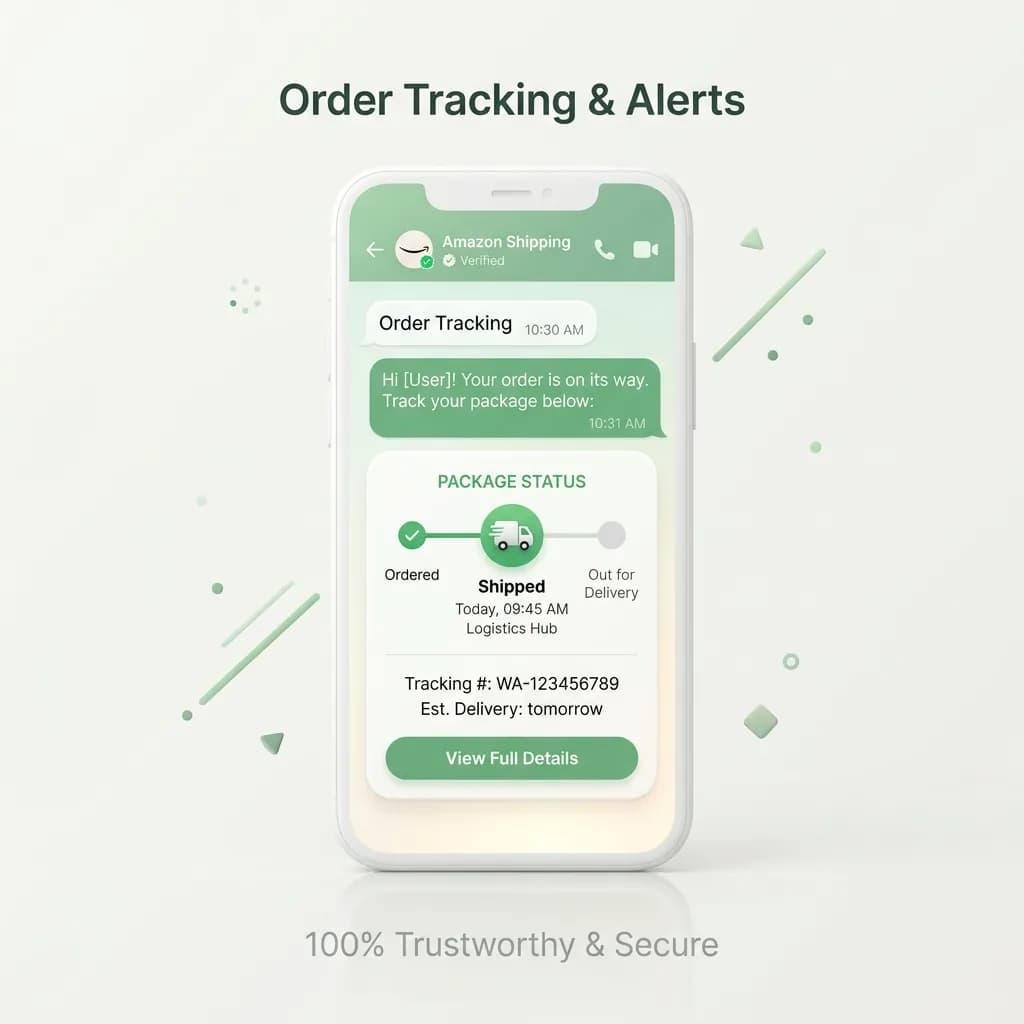
Order tracking & alerts
Keep customers updated at every step. Send automatic WhatsApp messages for order placed, shipped and delivered, with the order number and tracking link pulled straight from Shopify.
- Order placed, shipped and delivered templates
- Tracking link and order ID auto-filled
- Replies land in your shared team inbox
Reduce return-to-origin
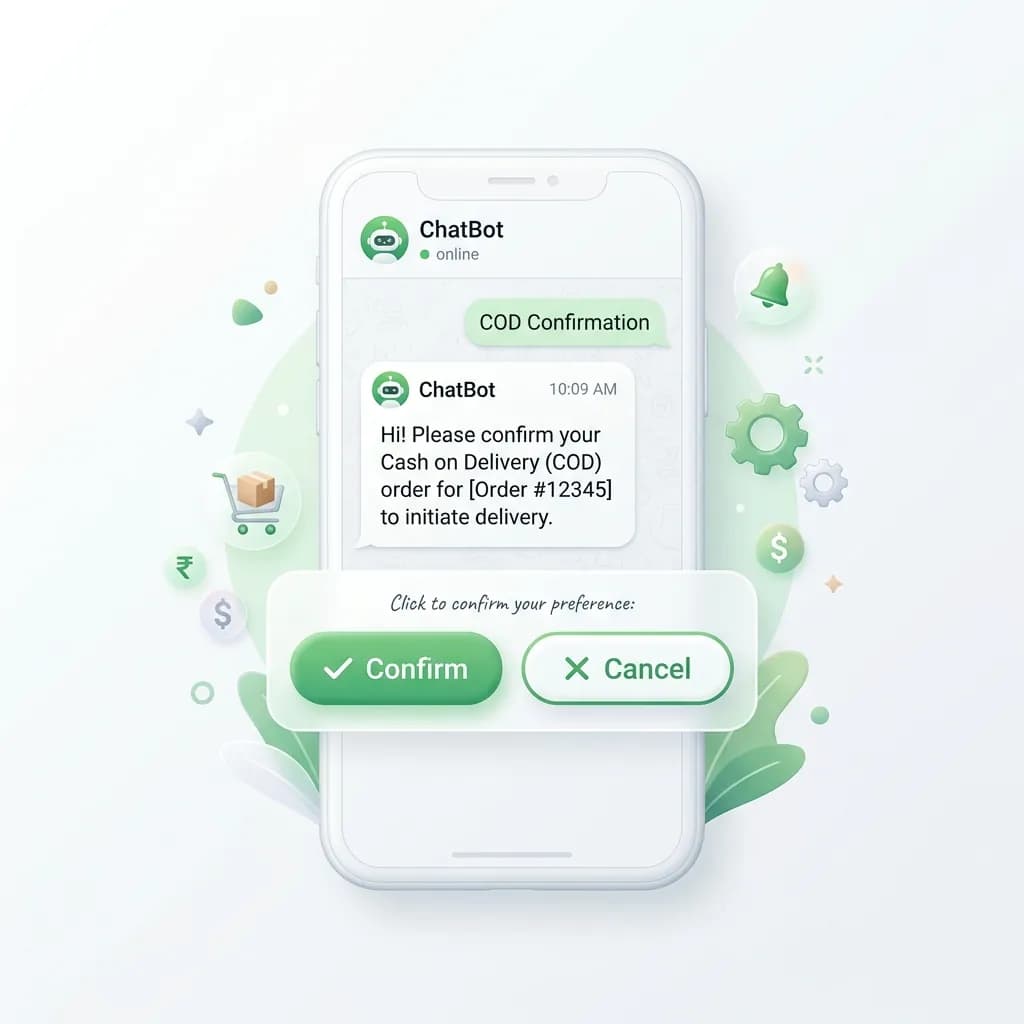
Cash on delivery (COD) confirmation
Ask the buyer to confirm a cash-on-delivery order over WhatsApp before you ship it, with Confirm and Cancel buttons, so fake, duplicate and impulse orders are filtered before they cost you a delivery attempt. What the customer taps comes back to the app and is recorded on the order.
- Confirm / cancel buttons on the order
- The tap is written back onto the Shopify order
- A reminder sequence that stops once they answer
Set up Shopify Integration
in minutes
- 1
Connect WhatsApp
Create your Chatbox AI account and connect your number to the official WhatsApp Business API in under 2 minutes.
- 2
Get your templates approved first
Order and shipping updates are utility templates; cart recovery and win-back are marketing. Only an approved template can start a conversation, and Meta decides how long approval takes.
- 3
Install the app and paste a key
Install Chatbox AI for Shopify, create an API key in Chatbox AI with messages:send, templates:read and webhooks:manage, and paste it into the app.
- 4
Map events to templates
Choose which approved template each Shopify event sends, set your sequence delays, and turn the ones you want on.
How teams use
Shopify Integration
Fashion & beauty D2C
Remind shoppers about carted products and share restock alerts.
COD-heavy stores
Confirm every COD order before dispatch to protect margins.
Sale campaigns
Broadcast festive offers to opted-in Shopify customers.
Repeat purchases
Send replenishment reminders for consumables after delivery.
Post-purchase support
Handle returns and exchanges in the shared team inbox.
Reviews & feedback
Ask for a rating on WhatsApp once the order is delivered.
Questions about
Shopify Integration
Got questions about Shopify Integration? We've got answers.
When a shopper leaves checkout without paying, Shopify notifies Chatbox AI and a WhatsApp reminder is sent with the cart items and a link back to checkout. You can add follow-up reminders and a discount code, and the sequence stops as soon as the order is placed.
How does WhatsApp abandoned cart recovery work on Shopify? When a shopper leaves checkout without paying, Shopify notifies Chatbox AI and a WhatsApp reminder is sent with the cart items and a link back to checkout. You can add follow-up reminders and a discount code, and the sequence stops as soon as the order is placed.
What does WhatsApp COD confirmation actually do? It sends the buyer a utility template with Confirm and Cancel buttons before you dispatch, and writes what they tapped back onto the Shopify order, so your warehouse can ship only the orders somebody confirmed. Whether that reduces your return-to-origin rate depends on your traffic, and we have no figure of our own to quote you.
Do I need a Shopify app or code? You need the app, but no code. Install Chatbox AI for Shopify, paste a scoped Chatbox AI API key, and map your events. The app is a client for the Chatbox AI public API: it does not talk to Meta or hold your WhatsApp number.
Are Shopify WhatsApp messages charged by Meta? Yes. Order updates are utility messages and cart reminders are marketing messages, and Meta charges for these separately from your Chatbox AI plan: in India, rates from 1 October 2026 are ₹0.145 per utility and ₹1.09 per marketing message. See the pricing page for details.
Can customers reply to order updates? Yes. Replies land in your Chatbox AI shared team inbox with the customer's order context, so any agent can answer questions about delivery, returns or exchanges.
Which plan includes the Shopify integration? Every plan, from Starter (₹1,500/month) upwards, and every plan starts with a 7-day free trial. Meta charges for the messages themselves separately, at cost.
Will my abandoned cart reminders all get delivered? No. Cart recovery is a marketing-category template, and Meta throttles that category and drops roughly a quarter to a third of them, answered with error 131049. The message is accepted, sometimes charged, and never shown. No setting changes it. Order, shipping and COD messages are utility templates and are not affected.
Keep exploring

Your next 10,000 customers are already on WhatsApp.
Broadcast, automate, sell and support on the official WhatsApp Cloud API. Go live in under 2 minutes.
- 7-day free trial
- No credit card
- Cancel anytime